Every morning I wake up to fifty new notifications about how another AI model has “completely demolished” human capability. The internet is in a state of absolute, unfiltered AI hysteria. But when you strip away the VC-funded hype, the breathless Twitter threads, and the marketing fluff, what is actually happening on the ground?
Lately, I’ve been looking past the cloud-based giants like GPT-4 and Claude 3.5 Sonnet to focus on something far more personal: the chip in your pocket. The battleground has shifted. It is no longer just about who has the biggest datacenter; it’s about who can make your phone do things that feel like actual magic without overheating your hand. Today, we’re dissecting the madness of the current AI hype cycle, the insane engineering behind on-device Android AI, and the bizarrely practical reality of running Codex-style coding assistants on mobile devices.
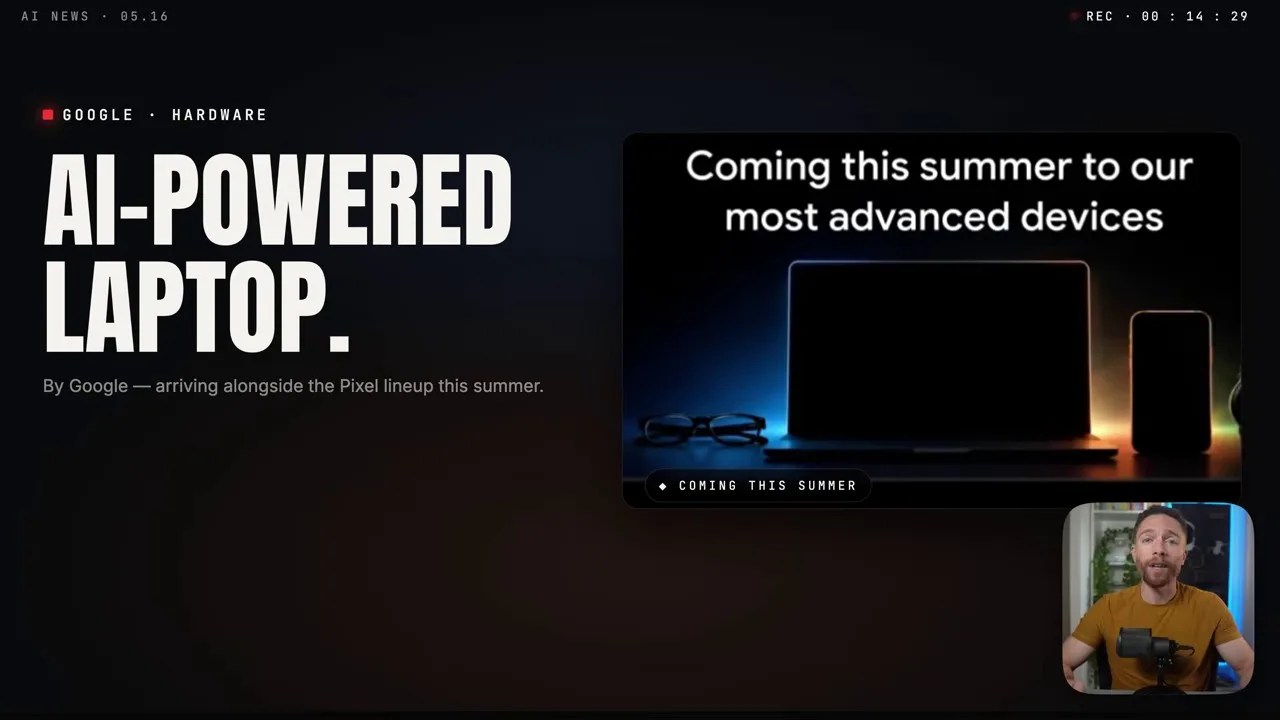
Figure 1: Sifting through the noise—our main roadmap analyzing today’s massive shifts in mobile and edge AI.
1. The Noise Machine: Navigating the Great AI Hysteria
Let’s address the elephant in the room. We are currently living through a collective fever dream. Half of the tech community is convinced AGI (Artificial General Intelligence) is arriving next Tuesday, while the other half insists we are building glorified autocomplete engines that will bankrupt their parent companies by 2026.As someone who tests these tools daily, the reality is somewhere in the messy middle. The hysteria is driven by a simple truth: the gap between “impressive demo” and “reliable software” is incredibly hard to close. But while the media hyper-focuses on LLMs writing mediocre poetry, engineers are quietly doing the hard, grinding work of squeezing massive models onto consumer hardware. And that is where things get truly interesting.
2. Pocket-Sized Monsters: The Insane Reality of Android On-Device AI
For years, using AI on your phone meant sending your data across the world to a server farm, waiting for it to process, and hoping you didn’t lose connection in an elevator. Android’s new push toward on-device AI changes the rules of the game.
We are talkign about running highly quantized, multi-billion-parameter models directly on your phone’s Neural Processing Unit (NPU). This isn’t just a gimmick to make photo editing faster; it’s an entire system-level re-architecture designed to treat AI inference as a core operating system service, just like rendering graphics or managing network connections.
3. Under the Hood: The Local Data Pipeline
To understand why this is a massive engineering feat, we have to look at the data flow. How does an on-device model actually interact with your phone’s hardware without chewing through your battery in forty-five minutes?
Instead of routing requests up to a cloud API, the local OS intercepts input and feeds it through an optimized processing pipeline directly within the silicon.
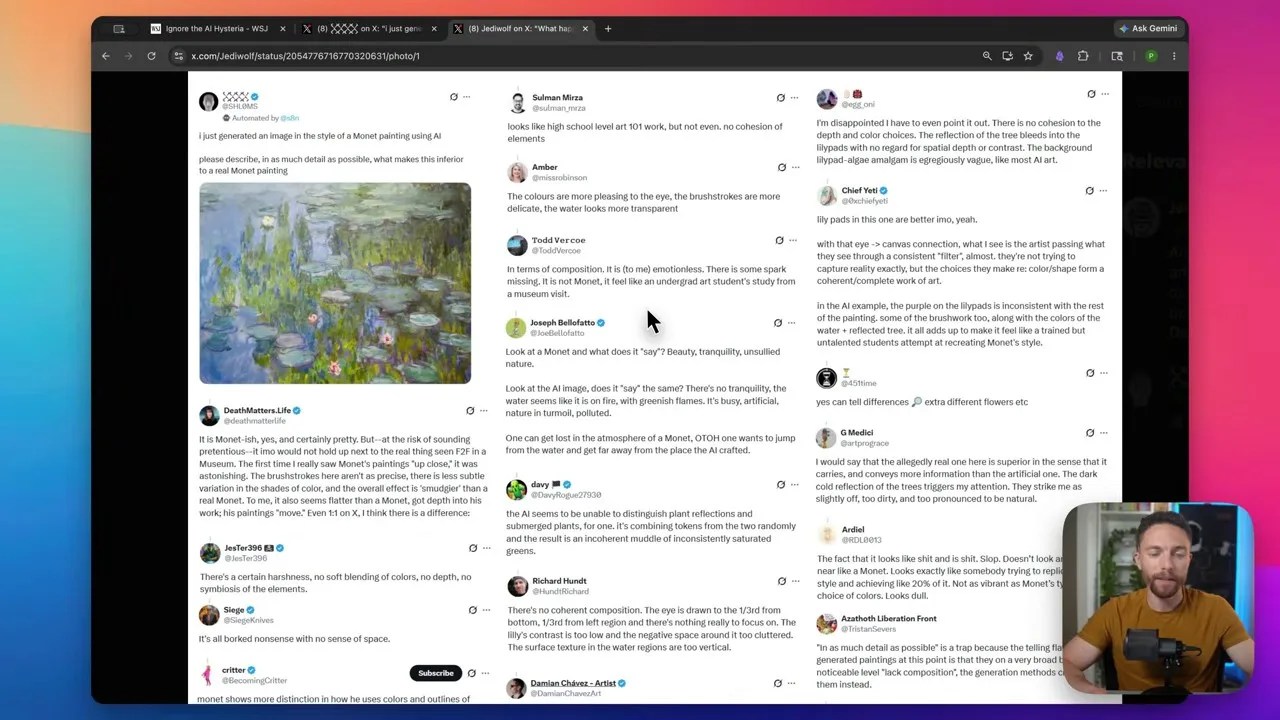
Figure 2: The local pipeline—routing tokenized data directly to the NPU to bypass network latency and protect user privacy.
By keeping the data flow entirely local, we completely eliminate the latency bottleneck associated with round-trip network requests. More importantly, your private messages, voice notes, and sensitive files never leave your device. It’s a complete shift in how we think about user data security in an AI-driven world.
4. Cloud vs. Edge: The Brutal Trade-Offs
Now, I love local AI, but I’m not going to sit here and tell you it’s a silver bullet. There are raw, physical limitations to what a handheld device can do compared to a warehouse full of Nvidia H100s.
To make this practical, let’s look at a side-by-side comparison of the traditional cloud-based approach versus the new edge-based paradigm we’re seeing on modern Android devices.

Figure 3: Cloud vs. Edge—weighing raw computational horsepower against latency, offline capabilities, and operating costs.
While the cloud gives you unmatched reasoning capabilities and access to trillion-parameter models, edge AI wins hands down on latency, privacy, and long-term cost efficiency. For developer applications, the ideal scenario is a hybrid model that intelligently routes simple tasks to the device and escalates complex reasoning to the cloud.
5. Coding on the Subway? The Codex Mobile Experiment
Let’s pivot to something that sounds absolutely miserable on paper, but is surprisingly viable in practice: mobile coding assistants. When the concept of a “mobile Codex” first floated around, I laughed. Who wants to write Python or Rust on a virtual QWERTY keyboard while crammed on a train?
But then you actually try it with an optimized autocomplete and system-level configuration engine. It turns out, you don’t use a mobile IDE to write a microservice from scratch. You use it to triage production bugs, tweak deployment configurations, and run quick diagnostics when you’re away from your desk.
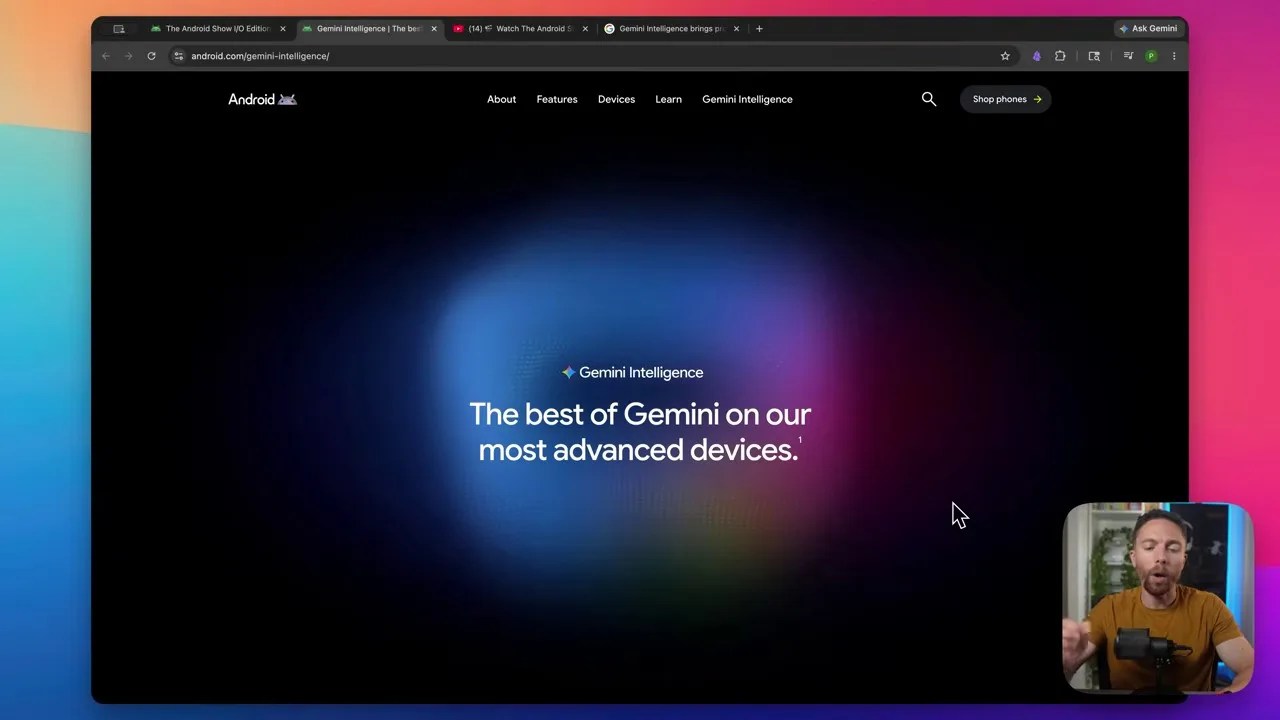
Figure 4: A surprisingly usable interface showing live inline code generation and configuration syntax suggestions on a mobile screen.
By leveraging highly targeted context windows, these mobile tools can read your repository structure and suggest precise, one-tap code fixes. It’s not about typing code; it’s about reading, reviewing, and letting the local LLM do the heavy lifting of writing the boilerplate.
6. Real-World Benchmarks: When the Hype Meets the Hardware
If you’ve been reading tech blogs for more than five minutes, you know that marketing slides are mostly fiction. Tech companies love showing graphs with no y-axis labels. That’s why we need real, raw benchmark numbers.
How does the NPU throughput hold up when under continuous load? What happens to the generation speed (tokens per second) when the chip starts to heat up?
Figure 5: Performance telemetry—tracking how thermal limits affect token generation speed over sustained execution periods.
What the data shows is fascinating. While initial performance is blindingly fast (often beating cloud-based APIs due to zero network overhead), sustained heavy usage triggers aggressive thermal throttling. The phone has to throttle performance to keep from burning your hand. This is the real barrier that mobile chip designers are fighting right now.
7. The Orchestration: How Modern Mobile AI Processes Your Commands
To make all of this feel instantaneous to the end-user, the operating system has to orchestrate a complex dance between several different software layers.
When you issue a command—whether it’s asking for a code explanation or asking your phone to summarize an email—the request doesn’t just go to a black box. It goes through a highly coordinated, multi-step workflow.
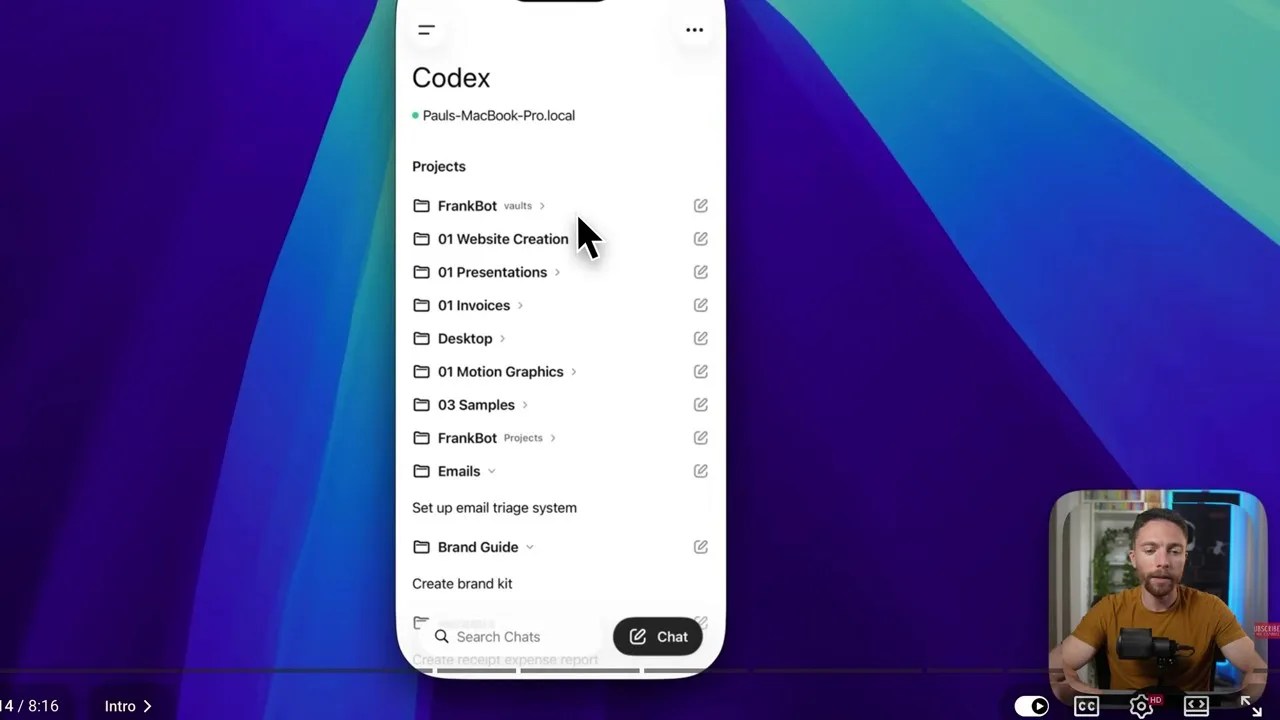
Figure 6: The execution stack—from user input tokenization to low-level hardware orchestration across CPU, GPU, and NPU.
This workflow ensures that high-priority user interface tasks remain smooth (running at 120Hz) while the background NPU threads crunch the mathematical matrices required for the LLM output. It’s a masterclass in modern mobile operating system resource scheduling.
8. The Interface Revolution: What It Feels Like in Practice
So, what does this actually look like when you hold it in your hand? It’s not just a chat window. The goal of this system is to make the interface completely fluid, adapting to what you are doing in real time.
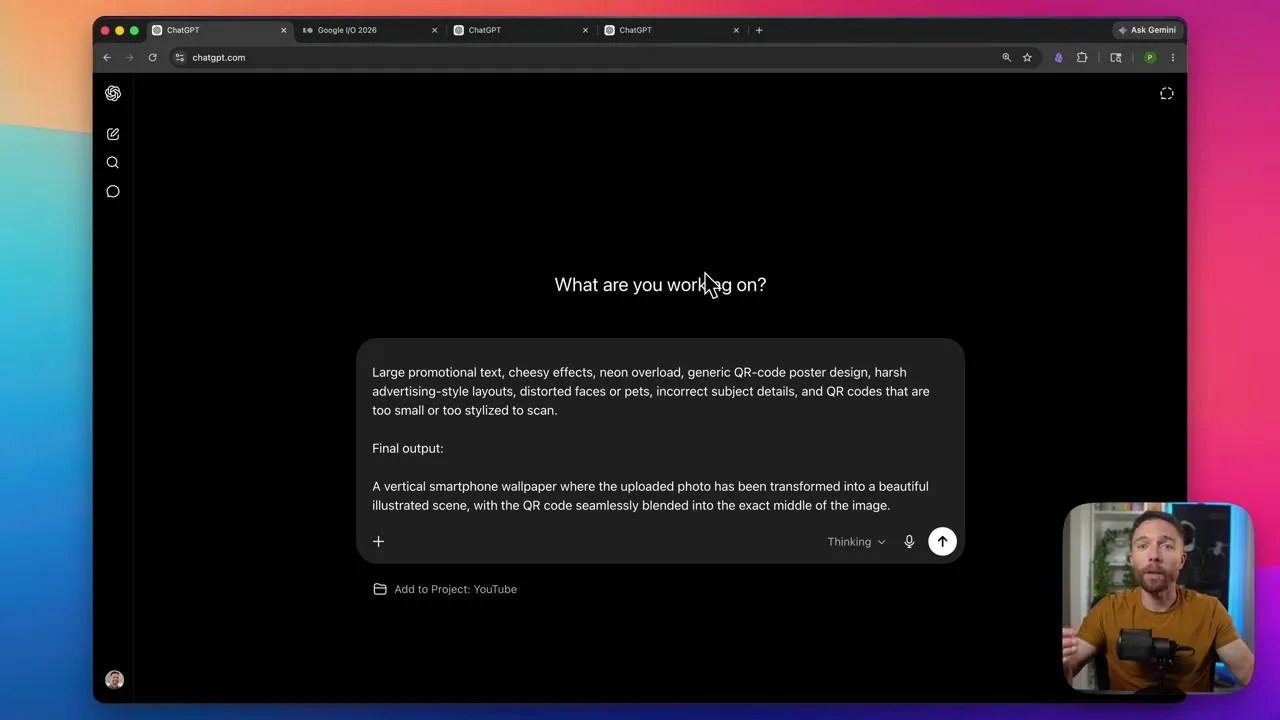
Figure 7: The new paradigm—a split-screen environment where the local model actively reads screen context to assist the user dynamically.
Imagine reading a complex pull request on GitHub, and your phone automatically highlights potential logic bugs in a sidebar without you even having to copy-paste the code. That is the kind of context-aware, low-friction integration that makes on-device AI feel less like a tool and more like an extension of your own mind.
9. The Gotchas: Memory Leaks, Thermal Throttling, and Hallucinations
I wouldn’t be doing my job if I just sang praises without pointing out where this stuff falls flat on its face. The truth is, building for mobile AI is a minefield for developers.
When you’re dealing with limited system RAM—often shared between the GPU, NPU, and system processes—things can go south very quickly. If you don’t optimize your model weights or handle memory disposal properly, your app will be aggressively killed by the Android Out-Of-Memory (OOM) killer.
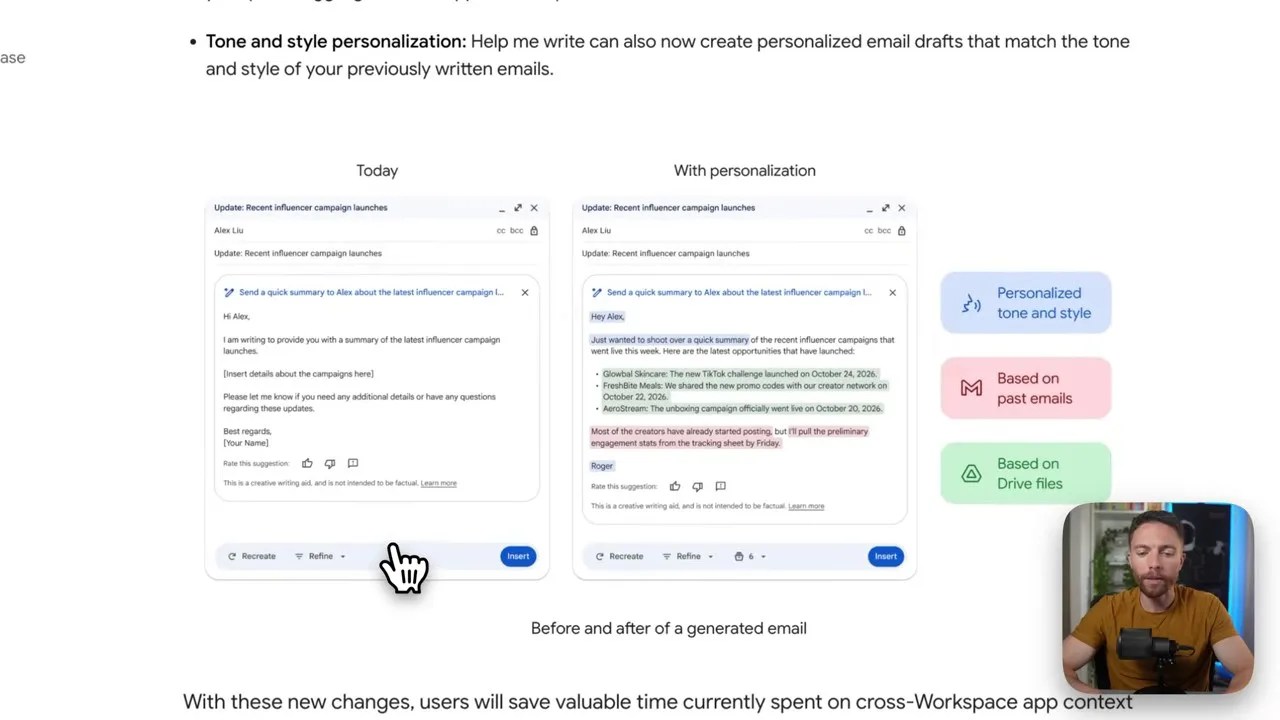
Figure 8: Developer warnings—the most common pitfalls when deploying models locally, from memory fragmentation to poor context window management.
The biggest mistake developers make is trying to run unquantized models on mid-range devices. If you aren’t using 4-bit or even 3-bit quantization, you are going to turn your user’s phone into a very expensive pocket heater that crashes every time they receive a phone call.
10. The Big Picture: Mapping the Future of Edge AI
If we step back and look at the trajectory of the past twelve months, the speed of progress is staggering. We are moving away from monolithic, centralized AI centers toward a highly distributed, hyper-personalized web of edge devices.
Figure 9: The ecosystem at a glance—a structured breakdown of how local hardware, edge models, and developer APIs intersect.
The future belongs to hybrid computing. Your local device will handle the immediate, low-latency, highly private interactions, while federated networks handle the massive computational loads when absolutely necessary. The hysteria will quiet down, the hype cycle will cool, but the software architecture we are building right now is here to stay.
Soure: By Paul J. Lipsky