I bet you’re sick and tired of the empty hype around the “tech revolution” or those “world-changing” AI apps that turn out to be nothing more than repackaged old tech designed to drain your wallet. With a massive flood of AI-labeled tools sprouting up left and right, finding free software that delivers real-world utility—helping you free up your time without emptying your bank account—truly feels like looking for a needle in a haystack.
But don’t worry, I’ve done the heavy lifting for you. No fluff, no overwhelming tech jargon. Here are 7 incredibly powerful AI tools that I have personally tested, dissected, and verified. They actually work, offer highly generous free tiers, and most importantly, they will leave you wondering, “Why didn’t I know about this sooner?” Let’s dive in and see what these invisible assistants can do for you.
1. Zapier: A True “Set-and-Forget” Automation Assistant
Let’s start by tackling the biggest pain point for any office worker: boring, repetitive tasks. Copying data from forms into spreadsheets, sending out client thank-you emails, syncing data across multiple platforms… These tasks aren’t necessarily hard, but they slowly sap your creative energy.
That’s where Zapier comes in. A lot of people think Zapier is strictly for developers or hardcore techies. Think again! Thanks to AI, setting up an automated workflow (called a “Zap”) is now as simple as describing what you want in plain English. You just type something like: “Every time a customer fills out a feedback form, automatically draft a personalized AI response and email it to them,” and Zapier will automatically stitch the pieces together.
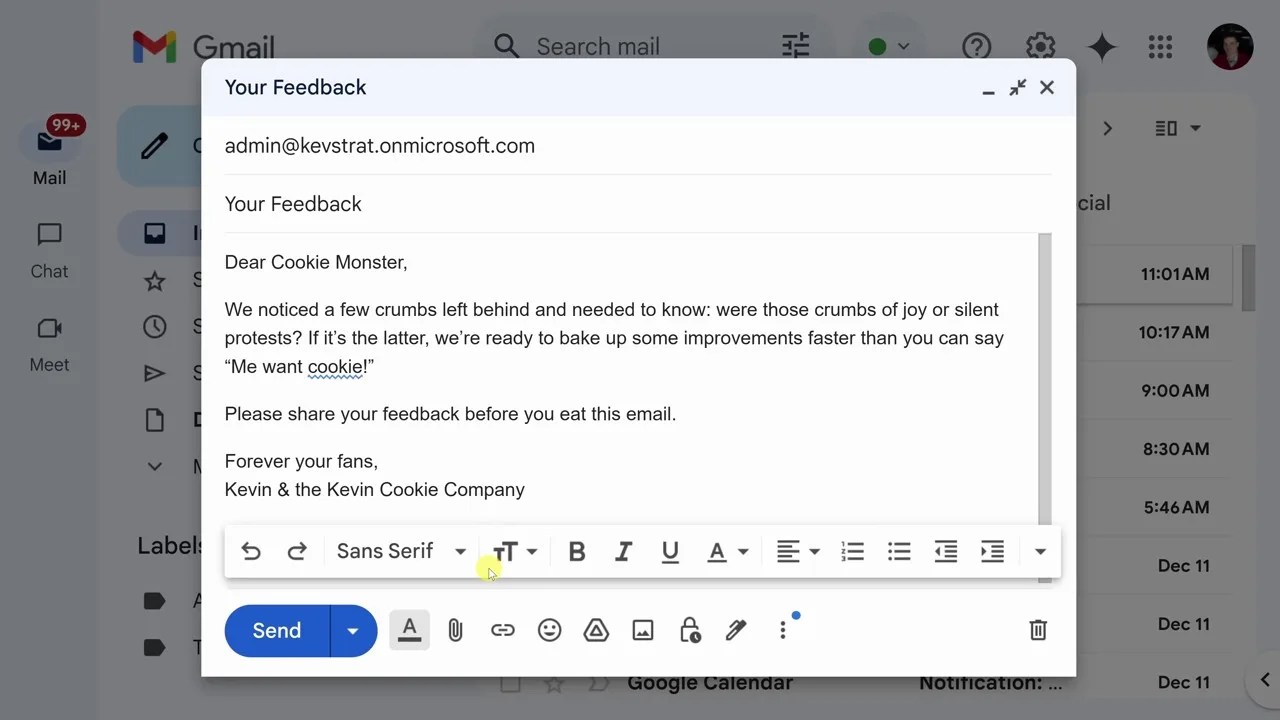
Figure 1: With just a few lines of description, Zapier automatically builds a seamless workflow connecting Google Forms to Gmail.
The real selling point here is its limitless connectivity. From Gmail, Notion, and Excel to Slack, every app you use daily can talk to one another without you ever touching a single line of code. Imagine being able to dedicate your entire day to core strategies—or just enjoying a cup of coffee—while your system runs flawlessly in the background.
2. Google AI Studio: Real-Time Screen Analysis Power
If you think ChatGPT is the peak of AI assistance, take a look at what Google is pulling off with Google AI Studio. This isn’t just your standard chat box where you type a question and wait for an answer. It’s a robust yet highly accessible developer environment for everyday users, featuring a game-changing real-time streaming capability.
How does it work? You grant it access to your microphone and share your workspace screen. Instantly, AI Studio becomes a coworker sitting right next to you. Struggling with a complex Excel spreadsheet or a messy VLOOKUP formula? Just ask directly through your mic. The AI looks at your screen and guides you step-by-step, exactly like an expert holding your hand through the process.
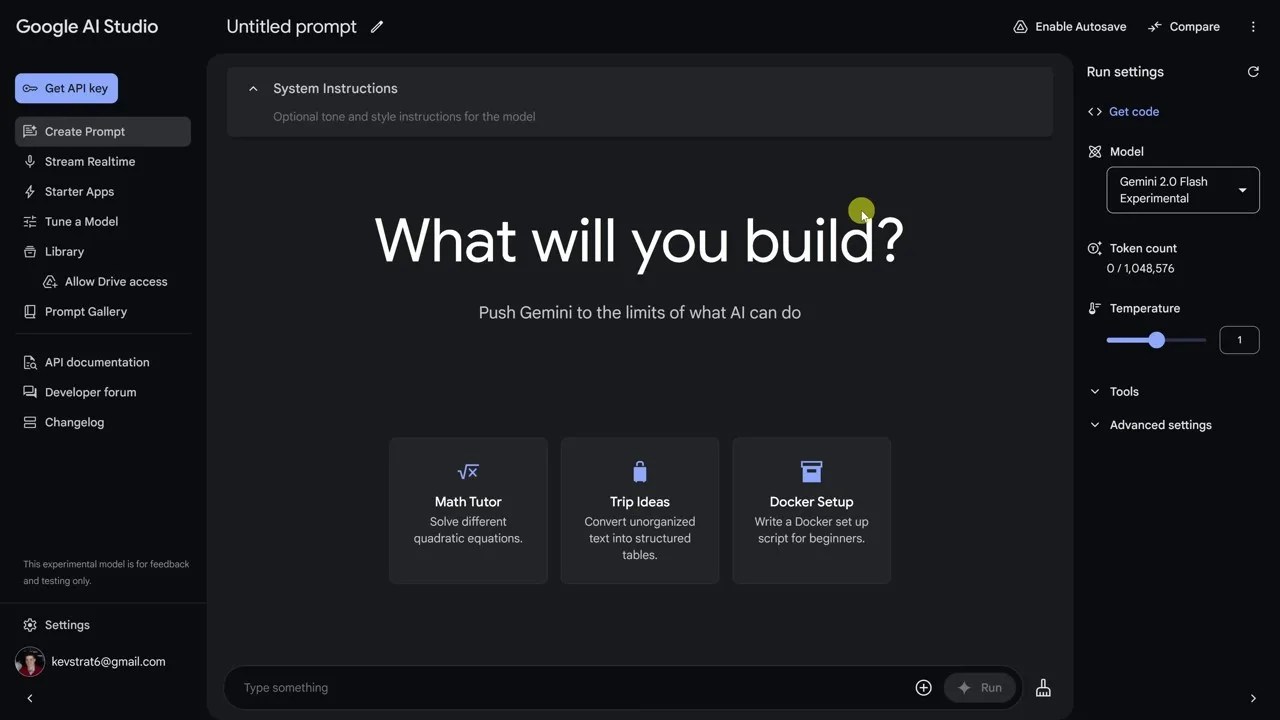
Figure 2: Google AI Studio’s ability to “see” and understand your screen context in real time unlocks a completely new way to interact with technology.
This is a feature that completely blows the traditional, prompt-heavy experiences of Anthropic Claude or ChatGPT out of the water right now. Instead of taking screenshots, uploading them, and writing long explanations, everything happens instantly and naturally, just like a conversation between two colleagues.
3. ChatGPT “Beyond Just Chat”: Canvas, Reasoning, and the Next Leap Forward
We all know ChatGPT, but are you actually exploiting the cutting-edge weapons OpenAI recently armed it with? If you’re still using ChatGPT just to do a basic Q&A and then copy-pasting the text, you are missing out on the best part of the experience.
First up is Canvas. This is a highly intuitive, collaborative workspace that completely fixes the frustration of editing long articles or blocks of code. Instead of forcing the AI to rewrite an entire essay just because you wanted to tweak one minor paragraph, Canvas lets you highlight that specific section and request targeted changes. You can track your edit history, fine-tune the tone, or adjust formatting with just a few clicks.

Figure 3: The Canvas interface transforms ChatGPT from a simple chatbot into a highly intelligent text editor.
On top of that, the integration of Reasoning Models allows ChatGPT to tackle incredibly complex logic problems. Need to optimize your operational costs or build a production plan based on historical data? This model won’t just throw out a superficial answer right away; it will “think” through the problem step-by-step, analyze the variables, and deliver a tight, logical argument like a professional financial consultant.
4. Udio & ElevenLabs: The Power Duo Redefining Next-Gen Audio
Let’s step away from dry numbers and text for a moment and venture into the world of art and creativity. If you’re an independent content creator, the cost of music licensing and hiring voice talent can be a massive financial burden. The combo of Udio and ElevenLabs is the ultimate answer to that problem.
Udio: This AI music generator is a total beast. With just a few descriptive words about the genre, mood, or melody you want, Udio creates complete, studio-quality tracks with full vocals and instrumentation. Even the most critical ears will find it hard to tell it was generated by a computer.
ElevenLabs: When it comes to Text-to-Speech, ElevenLabs currently has no real competition. The generated voices are terrifyingly natural, capturing breaths, subtle inflections, and emotional expressions just like a professional voice actor.
The synergy between these two tools allows anyone to produce a high-quality podcast or a polished video commercial right from home—completely free within their trial limits.
5. Perplexity AI: The Search Challenger with an Academic Mindset
Have you ever searched for vital information on Google only to get hit with a wall of clickbait sites, low-value SEO-optimized articles, or ads blocking your view? The search experience has been going downhill, and that’s exactly where Perplexity AI shines.
Perplexity doesn’t operate like a traditional search engine, nor does it act like a chatbot that hallucinates or makes up facts. Instead, it works like a dedicated researcher. When you ask a question—especially when you toggle on “Academic” mode—Perplexity scours published papers and scientific journals to synthesize the most accurate answer possible.
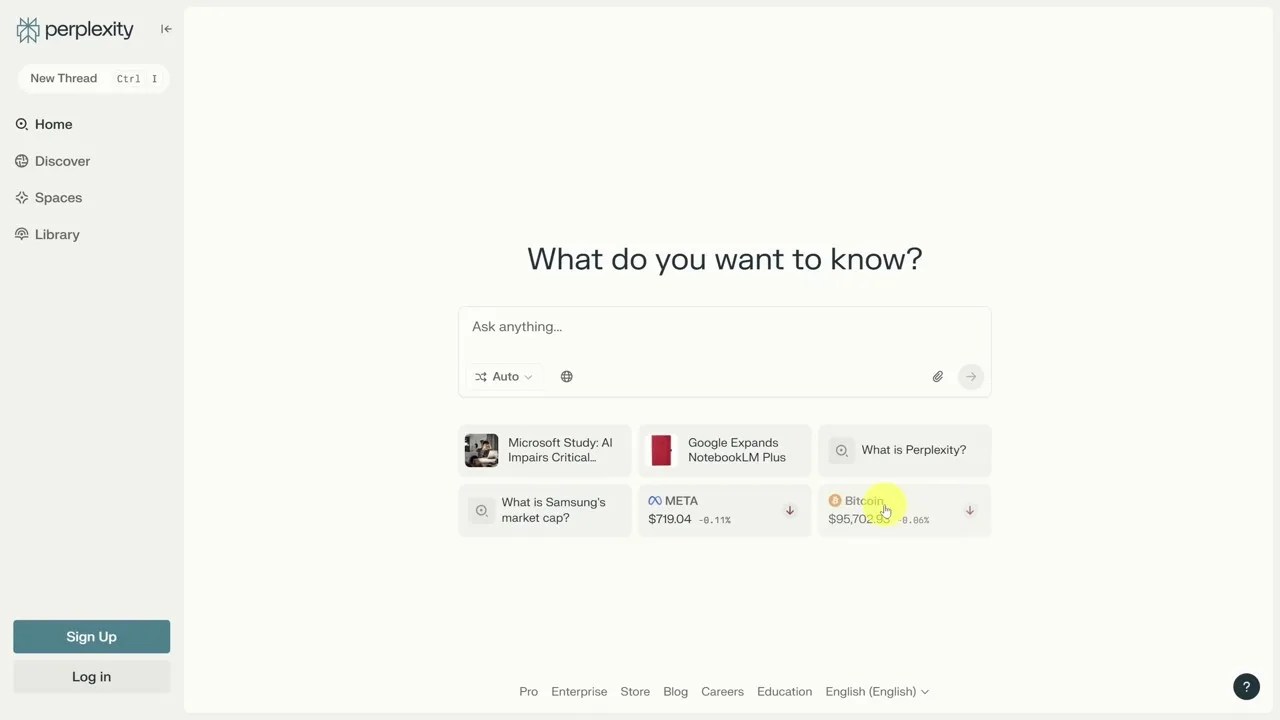
Figure 4: Perplexity AI provides answers complete with transparent scientific citations, allowing users to verify facts instantly.
As you can see, every point made comes with clear citation numbers. You can click directly on the source to read the original paper. For me, this tool completely changes how I work, research, and fact-check, entirely filtering out the misinformation floating around the internet.
6. Descript: Edit Video as Easily as Editing a Word Doc
For those making YouTube videos, TikToks, or building a personal brand: Is video editing your absolute worst nightmare? Spending hours hunched over a screen cutting frames, filtering background noise, and adding subtitles is a massive time sink.
Descript completely shatters that traditional workflow with an incredibly disruptive concept: editing video directly through an audio transcript.
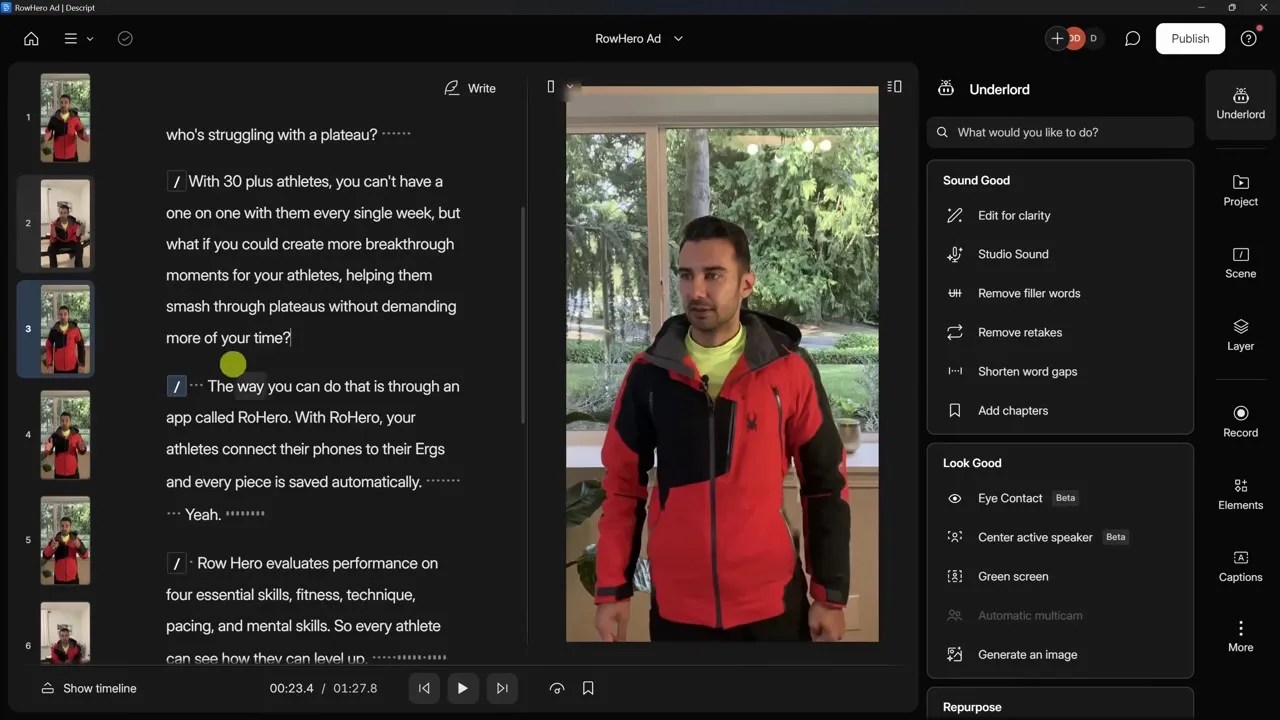
Figure 5: Cutting a word from the transcript means you cut that exact segment from the video. Editing has never been this intuitive.
Take a look at Descript’s workspace. Once you upload your video, the AI automatically transcribes the speech into text. If you want to cut out a filler sentence or a moment where you tripped over your words, you simply highlight that word in the text and hit “Delete.” Instantly, the corresponding video segment is perfectly clipped out.
It’s so powerful that it can automatically detect and purge filler words like “um” and “uh” with a single click. Plus, its Studio Sound feature strips away background noise, transforming audio recorded on a cheap phone into crystal-clear, studio-grade quality.
7. A Critical Take: Which Tool is Actually for You?
The truth is, no single tool is a silver bullet. While these free AI tools are incredibly capable, they still come with certain limitations you need to keep in mind so you don’t fall into the trap of over-expectation:
👍 Pros
Massive Time Saver: Cuts down up to 80% of manual, repetitive tasks.
Low Barrier to Entry: Most can be controlled using plain English; no coding skills required.
Generous Free Tiers: More than enough for individuals and side projects without forcing you to upgrade.
👎 Cons
Copyright & Privacy Issues: You need to think twice before uploading sensitive corporate data to public AI systems.
Over-reliance: Overusing AI can dull your independent critical thinking and dilute your natural writing style.
Bandwidth Limits: Advanced features (like deep reasoning or high-quality voice generation) are often heavily throttled on free plans.
My sincere advice is to experiment with these tools one at a time. Don’t try to adopt all 7 at once, or you’ll quickly get overwhelmed by tech fatigue. Pick the single biggest bottleneck you are facing today—whether it’s managing your inbox, researching documents, or editing videos—and let AI handle that first.
Technology is built to serve us, not replace us. The people who master these tools and turn them into an extension of their own brain will be the ones leading the productivity game moving forward. Good luck finding your perfect AI co-pilot!
🎥 Watch Original Video: 7 Best AI Tools You NEED to Try (Free & Powerful!) 💡 (by Kevin Stratvert)